
Find local job openings fast with smarter alerts
Find job openings near me faster. Set a commute radius, track career pages and ATS portals, and use ApplyTop for matched alerts and tailored documents.
ApplyTOP · October 21, 2026
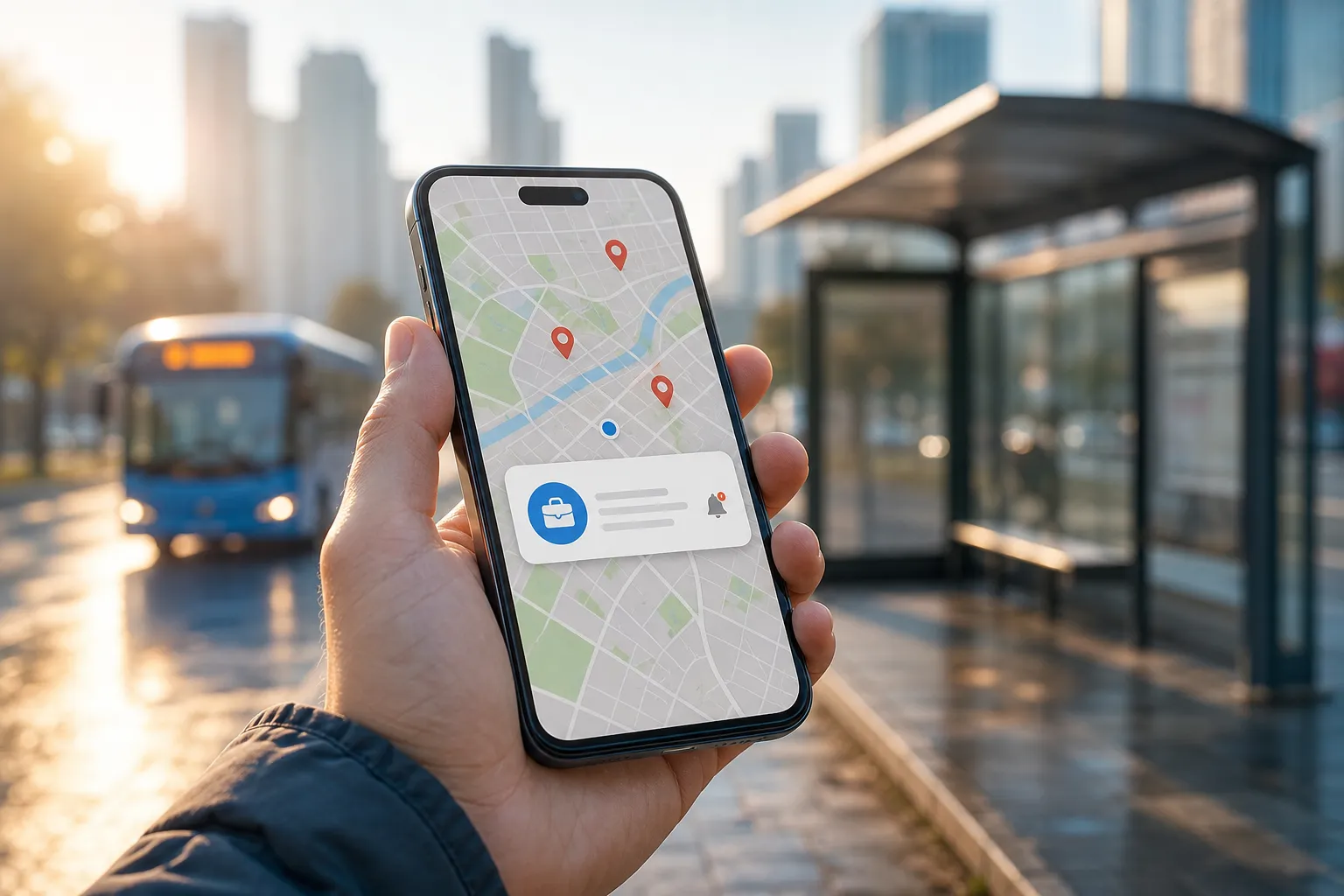
You search for job openings near me and get the usual mess: roles across town, stale posts, and duplicates. A better approach is boring but effective. Define a real commute radius, follow a short list of nearby employers where they actually post, set clean alerts, and send tailored applications within hours of a posting. ApplyTop ties these steps together so you spend more time applying to the right jobs and less time clicking around.
Define a real commute radius
Distance on a map lies. Commute time does not. Build your radius in minutes, not miles, so every match is practical on a weekday morning.
Turn minutes into reusable filters
- Pick your true starting points. Home is obvious. Add the gym, school drop-off, or a partner’s workplace if those affect your route.
- Set two caps: one for rush hour, one for off-peak. Example: 35 minutes at rush, 25 minutes off-peak.
- Use door-to-door timing. In Google Maps or Apple Maps, set “Arrive by” 9:00 a.m. for a few test addresses. Note whether driving, bus + rail, or bike + train hits your cap.
- Mark no-go zones. Bridges that stall, toll roads, or neighborhoods with impossible parking can turn a good job into a daily headache.
Convert that into location filters you can reuse: neighborhood names (Capitol Hill, Lakeview), ZIP codes you can paste into searches, major transit stops (Powell St Station), and the names of large nearby employers that appear in job location labels. Save this list. You will use it in alerts and keyword strings.
Build and track a local employer list
Most people chase whatever shows up on a big board. Better: follow the handful of employers inside your radius that hire for your role. Many post first on their own careers pages or only in their ATS.
Create a lean tracking sheet
- List 10 - 25 target employers. Add the careers URL and the ATS you see when you click Apply (Workday, Greenhouse, Lever, iCIMS, Taleo, SmartRecruiters, JazzHR, BambooHR, BrassRing).
- Note recurring roles that fit. Include titles, levels, departments, and common tools. In a few weeks you will spot patterns.
- Record posting cadence. Some teams post Mondays, others batch monthly. Time your checks to land within 24 hours of a new post.
This list pays off because it points you to ATS-only listings you would miss on public boards.
Surface ATS-only postings nearby
- Use site searches with your city or ZIP. Examples:
site:workdayjobs.com "Austin",site:boards.greenhouse.io "Charlotte",site:jobs.lever.co "94110". - Open the employer’s full catalog in the ATS and filter by location, department, and posted date. Bookmark that filtered URL.
- Repeat for your shortlist. Five minutes per employer once a week is enough to catch fresh posts.
If doing this by hand sounds like a time sink, that is because it is. ApplyTop checks company careers pages and the ATS portals they use, then alerts you when a local match appears.
Set up clean, high-signal alerts
Good alerts are narrow and fast. You want fresh, local, on-level roles without generic keyword noise.
Build alerts that reflect how jobs are labeled
- Location strings: use the same city names, neighborhoods, and ZIP codes employers put in job posts. “Near me” is not a location field.
- Title variants: pair a core title with what locals actually write. Examples: “Medical Assistant” OR “Back Office MA” OR “RMA”, “IT Support Specialist” OR “Service Desk Technician”, “Line Cook” OR “Prep Cook”.
- Exclude terms that waste time: add -senior, -director, -principal, -unpaid, -contract if those do not fit. For retail, you might exclude -seasonal outside peak months.
- Posted-date filter: new within 24 hours during an active search. You can tighten to new within 12 hours or enable hourly alerts if you want to be first in line.
- Compensation and type: where available, set a floor (e.g., $26/hr or $60k) and choose on-site, hybrid, or remote only if the commute radius still matters to you.
Think of this like a small production workflow. Breaking the work into steps keeps quality high without extra effort. For a clean example outside job search, see how an AI subtitles generator scales multilingual subtitles in a simple 5-step workflow. Your job alerts can run the same way: clear inputs, tight filters, fast review.
LinkedIn alerts are fine as a baseline, but many roles never leave an ATS, and duplicates eat time. If you want a LinkedIn job alerts alternative that covers company sites and ATS portals too, ApplyTop combines those sources and pings you when a post matches your radius and criteria.
Apply fast with tailored, ATS-ready docs
Speed only helps if what you send matches the post. Keep a clean base resume and tailor the top third for each role.
A quick tailoring checklist
- Keep formatting simple. Use standard headers (Summary, Experience, Education, Skills). No text inside images or tables. Export to PDF unless the employer asks for DOCX.
- Mirror keywords you actually have. Tools, certifications, and duties from the post should appear naturally in your bullets. Example: replace “supported staff” with “supported 45 clinicians across EPIC, Zoom, and Okta.”
- Quantify where possible. “Cut average ticket resolution from 2.4 days to 9 hours” beats “improved response times.”
- Match title and scope. If the post says “Coordinator,” make your target title “Coordinator,” not “Manager,” unless you are clearly overqualified and that is the plan.
- Write a short cover letter that connects the dots. Two tight paragraphs: what they need, how your last wins map to that, and one sentence on why this location or team is a fit.
- Run a quick check in an ATS resume checker to confirm sections parse and contact info is machine-readable.
ApplyTop includes an AI resume builder that drafts tailored resumes and cover letters from each matched post. It pulls details from the listing so your documents speak to that team’s needs, then lets you edit before you send. The result: you spot a local opening and submit a focused application while others are still rewriting a template.
Run the loop with ApplyTop
Here is the tight loop that keeps your search local and consistent:
- Define your commute radius in minutes and list the neighborhoods, ZIPs, and transit stops that match.
- Add 10 - 25 nearby employers and note their careers URLs and ATS platforms.
- Set alerts with exact locations, title variants, excludes, and a 24-hour freshness window.
- Let ApplyTop watch company pages, and ATS portals. When a match lands, you get an alert.
- Open the match, generate the tailored resume and cover letter in ApplyTop, make edits, and send.
No extra tabs, no repeated searches. Just a steady rhythm of relevant local roles and fast, on-point applications.
Key takeaways
- Define your commute radius by minutes, not miles. Turn neighborhoods, ZIPs, and transit stops into reusable filters.
- Track employer careers pages and their ATS portals. Many local roles never hit public boards.
- Use focused alerts: exact locations, title variants, excludes, and a strict posted-date window.
- Send tailored, ATS-friendly documents within hours. ApplyTop pairs matched alerts with ready-to-edit resumes and cover letters.
You do not need more tabs. You need a tighter system. With a real radius, a short employer list, sharp alerts, and fast tailored documents, finding job openings near you gets a lot simpler.
FAQ
How do I find job openings near me without relying only on LinkedIn?
Track local employer career pages and their ATS portals, then use an aggregator like ApplyTop that scans LinkedIn, company sites, and ATS sources together.
What is a good commute radius to use for job alerts?
Set a time-based radius. Pick a max door-to-door time for rush hour and off-peak, then use neighborhoods and ZIPs inside that range as your location filters.
Are hourly job alerts worth it?
During an active search, hourly alerts help you apply while roles are fresh. If the noise is too high, switch to daily but keep a posted-within-24-hours filter.
How can I make my resume pass ATS scans?
Use simple formatting with clear section headers, mirror keywords from the job post, and run a quick check with an ATS resume checker to confirm readability.
Do cover letters still matter for local roles?
Yes. A short, specific cover letter shows why you fit that team. ApplyTop can draft one for each match so you can edit and send quickly.