
The 7 Best CV Builders in 2026 (Ranked by What Actually Gets You Hired)
A polished CV is table stakes in 2026; what wins is tailoring fast and beating the ATS. We ranked 7 CV builders on what actually lands interviews, not what looks prettiest.
ApplyTOP · June 10, 2026

Here is the uncomfortable truth about job hunting in 2026: a beautiful CV is table stakes, not an advantage.
In Jobscan's 2025 ATS Usage Report, an applicant tracking system was detected at 97.8% of Fortune 500 companies (489 of 500). Many employers now use these systems to filter or rank candidates before a recruiter ever opens the file, so formatting, keywords and role fit all affect whether your CV gets surfaced. The single biggest lever on whether you get an interview is no longer "how polished is my CV", it is "how well does this CV match this specific job".
That changes how you pick a CV builder. The old question was which one makes the prettiest PDF. The 2026 question is which one helps you tailor fast, beat the ATS, and actually apply. We put 7 tools through that lens.
1. ApplyTOP – best if you want the CV and the job in one place
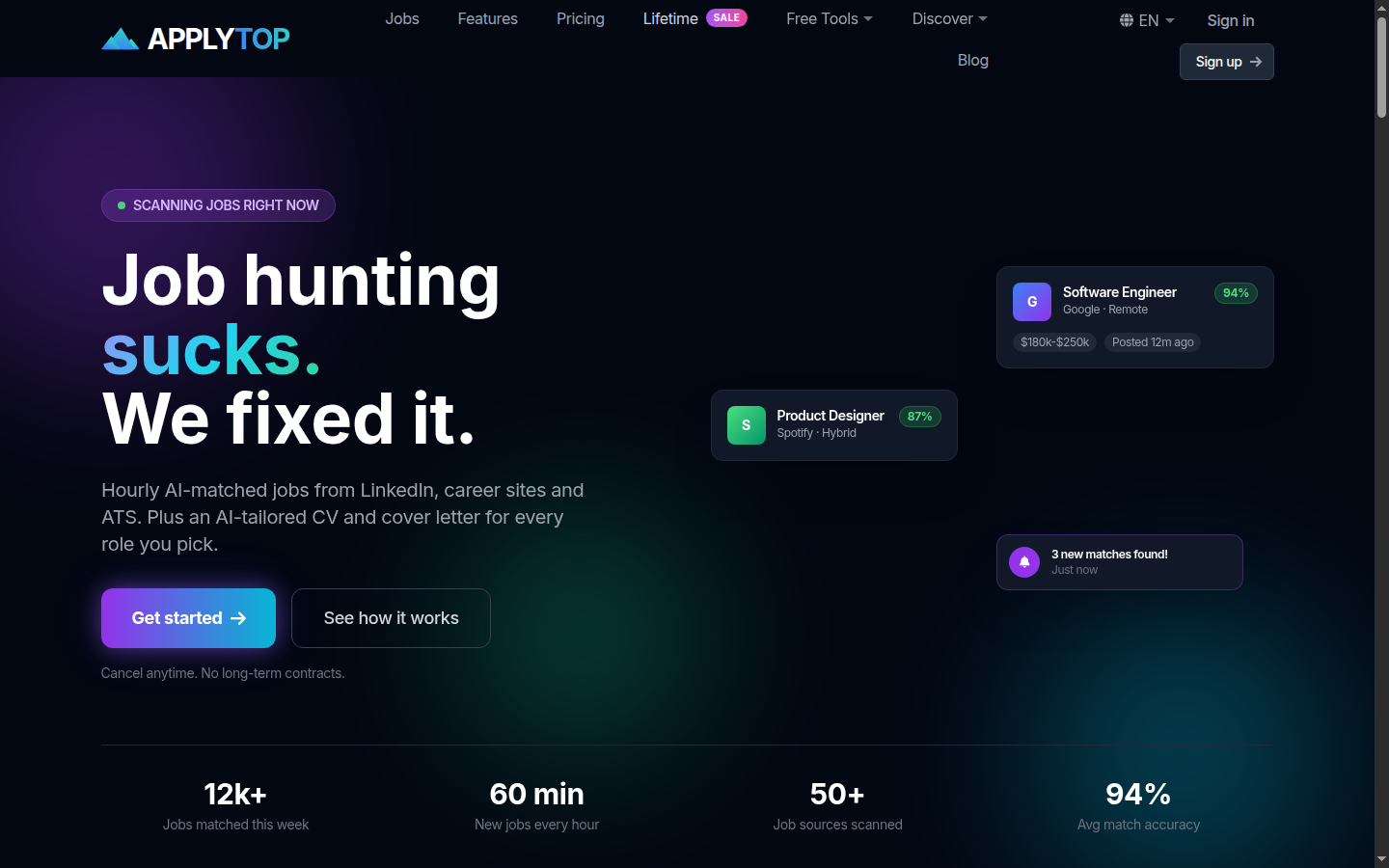
Every standalone resume builder hands you a polished PDF and then leaves you on your own: you still have to find the jobs, open each posting, copy the description, and tailor by hand. ApplyTOP closes that loop.
It pulls fresh, AI-matched roles from LinkedIn, company career sites and ATS platforms every hour, scores each one against your CV so you see a match percentage before you spend a second on it, then puts a one-click Tailored CV and Cover Letter button right on the listing. The job is already loaded, so there is no description to paste and no browser extension to install. It tailors the CV around your existing experience, rewriting the summary and bullet points to mirror the role you are looking at.
The fundamentals are covered, and the most useful parts are free: a live ATS check as you edit, a live preview, LinkedIn profile import to build a draft in about a minute, resume upload and parsing, three starter templates, and starter AI credits for bullet and summary rewrites. Pro unlocks 17+ premium templates and a larger AI allowance, across four languages.
The edge: a standalone builder hands you a file and wishes you luck. ApplyTOP already knows which jobs fit you, scores them, and puts the tailoring one click from the listing.
Honest note: ApplyTOP does not auto-submit applications. It takes you straight to the company apply page with a tailored CV in hand, so you stay in control of what gets sent.
Pricing: free starter plan. Pro from $6.99/week, $24/month, or $199/year. Lifetime is currently $197 one-time.
Build your first tailored CV free →
2. Rezi – best for pure ATS optimization
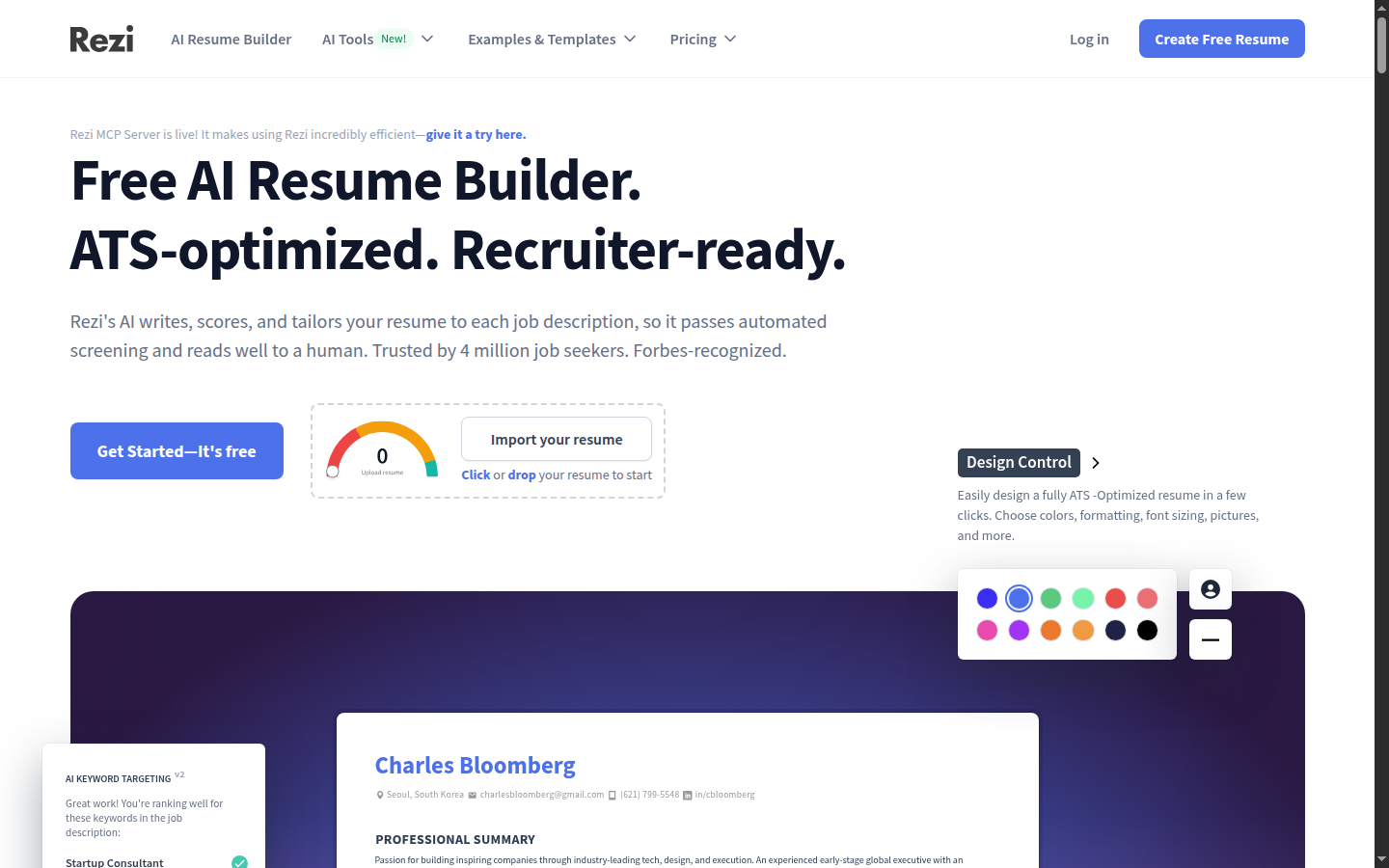
If getting past the robots is your one obsession, Rezi is built for you. The interface revolves around a live Rezi Score that grades content, formatting and keywords in real time. Paste a job description and Rezi extracts the keywords, then tells you which ones are missing and where to add them.
Watch for: the Rezi Score is Rezi's own metric. It is a strong checklist, not a guarantee of how a real ATS will read your file.
Pricing: free plan (1 resume, 3 downloads). Pro is $29/month, or a $149 one-time lifetime plan.
See the full ApplyTOP vs Rezi comparison →
3. Teal – best all-in-one free tier
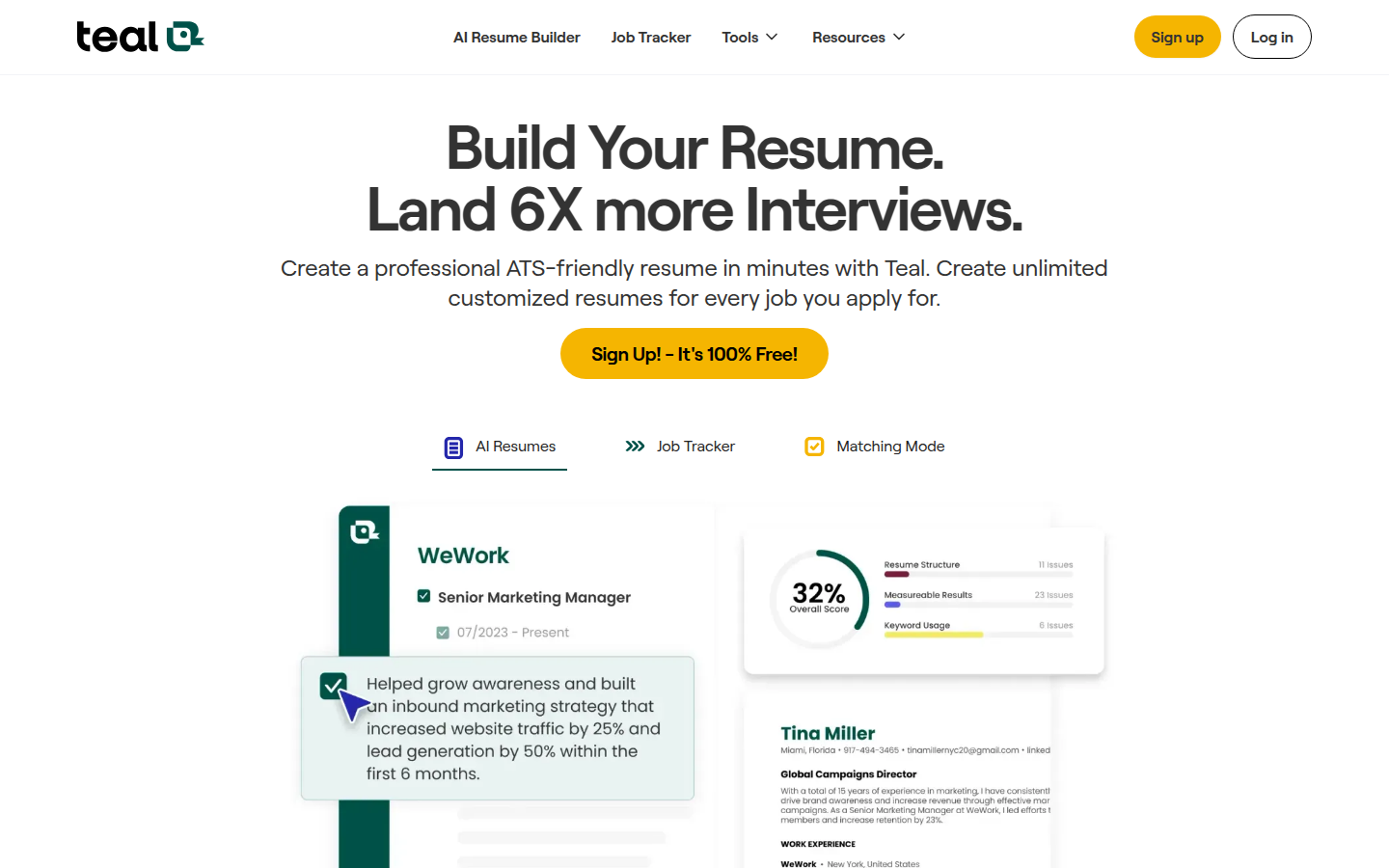
Teal bundles a resume builder, a job tracker and a matching mode into one workspace, and its free tier is the most generous here. The builder-plus-tracker workflow genuinely helps you stay organized across a long search.
Watch for: some testers have noted Teal's AI can suggest fairly generic phrasing that doesn't always reflect the specific job description, so review its output. The match score and unlimited AI generations sit behind Teal+, and the weekly billing auto-renews, so cancel if you only need a short sprint.
Pricing: genuinely useful free tier. Teal+ starts at $13/week, also billed monthly or quarterly (no annual plan).
See the full ApplyTOP vs Teal comparison →
4. Kickresume – best for design and template variety
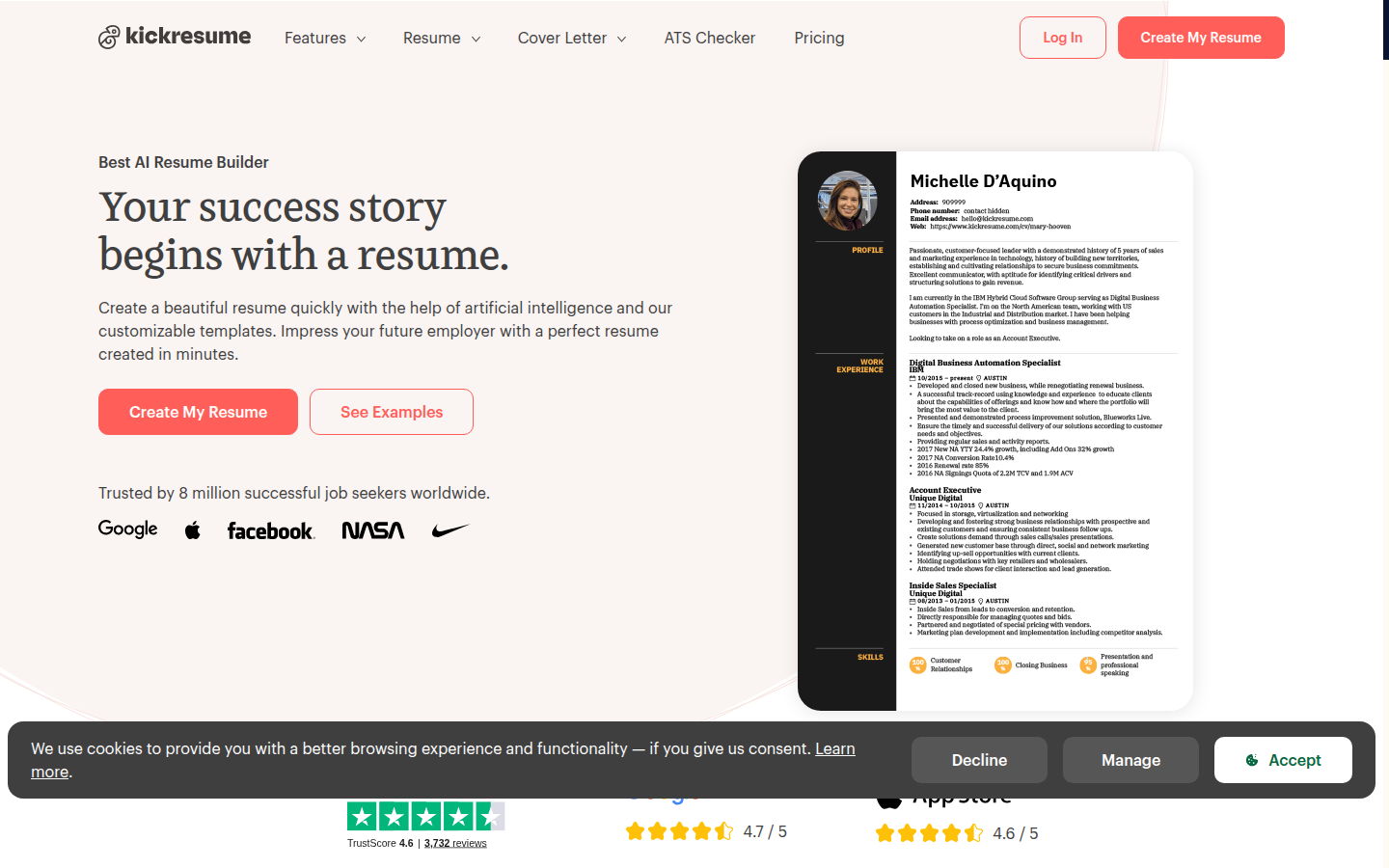
Trusted by 8 million job seekers, Kickresume is the design champion: 40+ professionally designed templates, 1,500+ real resume examples, AI drafting (its cover-letter writer runs on GPT-4.1) that can spin up whole sections from a job title, plus a cover letter builder and a personal-website builder.
Watch for: several templates default to two-column layouts that hurt ATS parsing, so pick a single-column, ATS-labeled template if you apply through job portals.
Pricing: usable free plan (4 templates). Premium is $8/month billed annually ($96/year), $18/month quarterly, or $24/month month to month.
See the full ApplyTOP vs Kickresume comparison →
5. Enhancv – best for guided writing and content quality
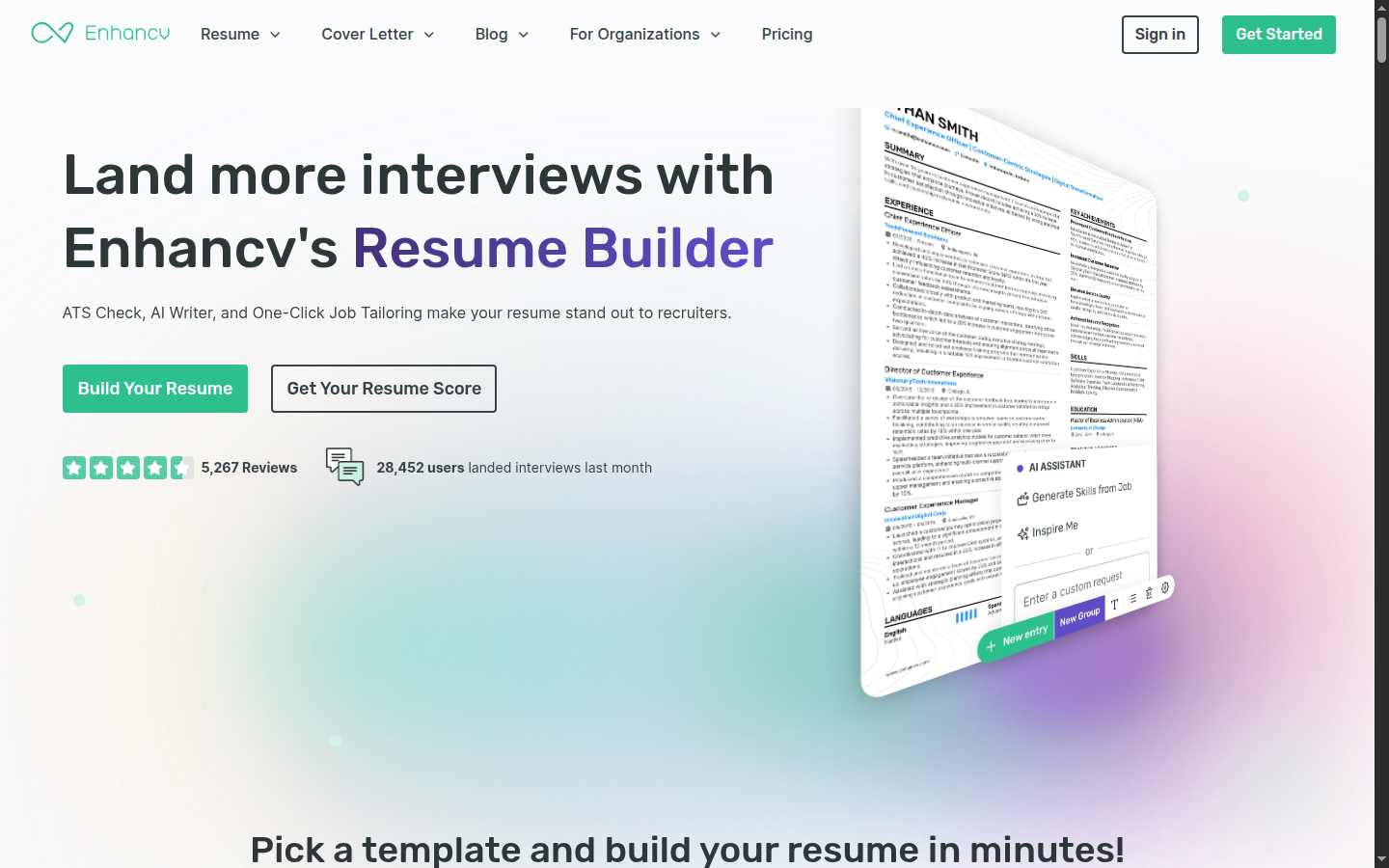
Enhancv coaches you as you write, flagging cliches like "team player", weak verbs and grammar issues in real time, and it can generate a summary or specific bullets on demand. It holds a strong Trustpilot rating, currently 4.7/5 from around 925 reviews.
Watch for: don't put critical information only in visual elements like skill bars or charts. Keep your key skills and achievements in normal text so an applicant tracking system can read them.
Pricing: 7-day free trial. Pro is about $24.99/month, dropping to roughly $16.66/month billed quarterly or $13.33/month every 6 months. No 12-month plan.
See the full ApplyTOP vs Enhancv comparison →
6. Zety – best for fast, clean templates
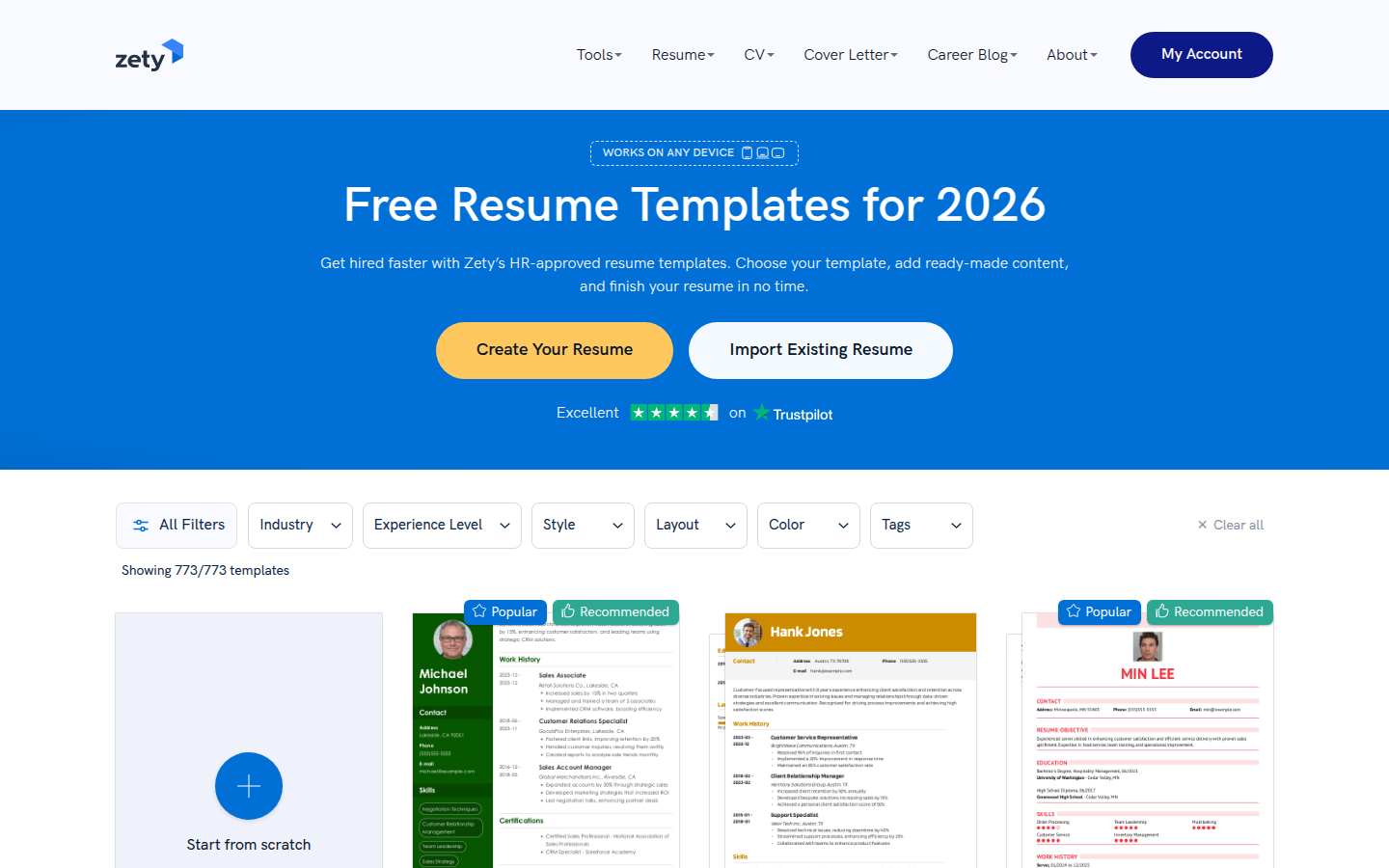
Zety is the speed play. It offers 18+ template layouts with many role-specific variations, ready-made content suggestions for almost any role, and a builder that takes you from blank page to finished PDF quickly. The templates parse cleanly.
Watch for: Zety is a template builder, not an ATS optimizer, so it will not do job-specific keyword tailoring, and the free tier only exports a plain .txt file. The real download sits behind a paid plan that auto-renews, so cancel the trial in time.
Pricing: $1.95 for a 14-day trial that auto-renews to $25.95 every 4 weeks, or $71.40/year.
See the full ApplyTOP vs Zety comparison →
7. Resume.io – best polished all-rounder
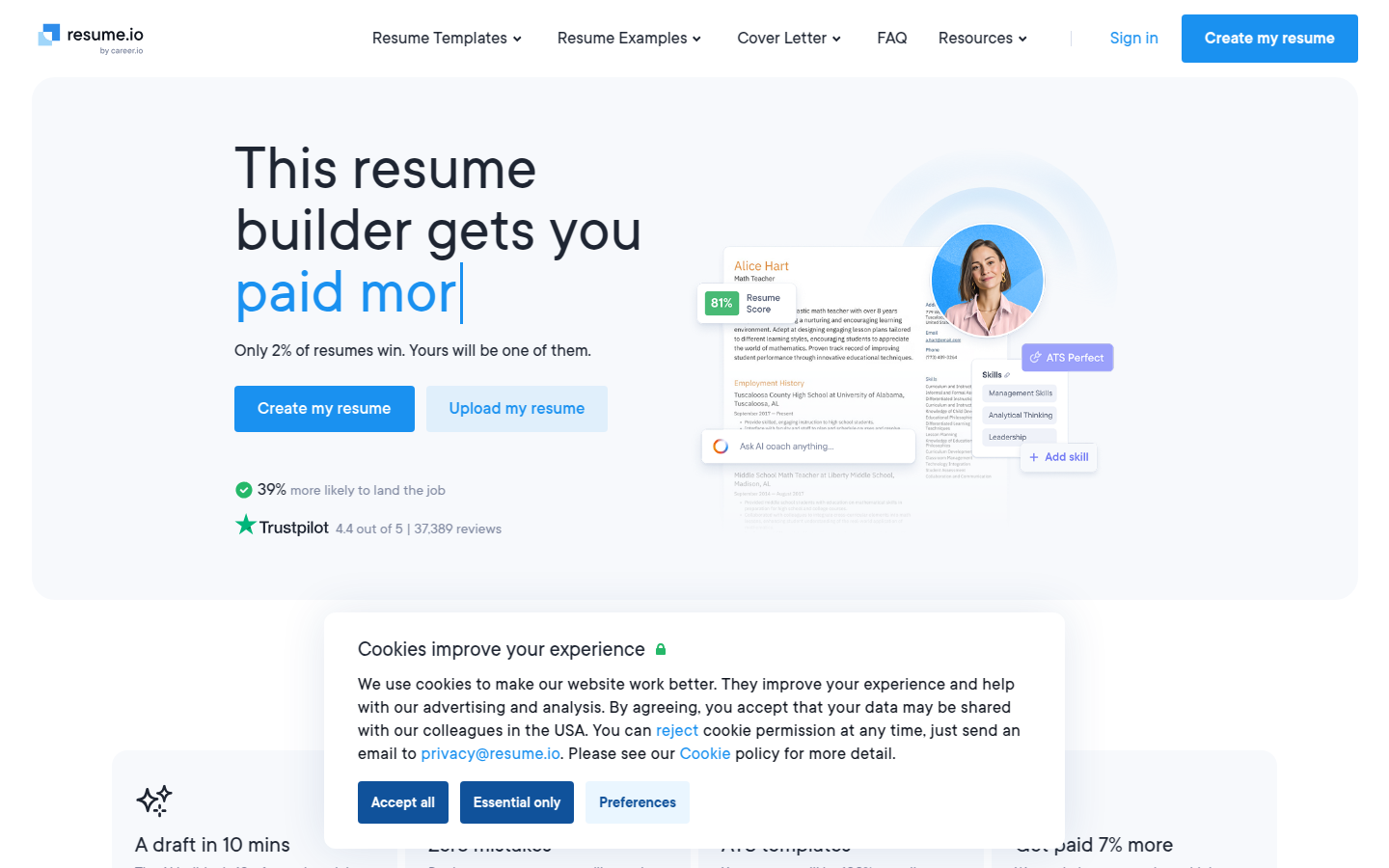
Resume.io is the polished all-rounder. Its own homepage cites 4.4/5 from 37,389 reviews, while its live Trustpilot profile currently shows 4.2/5 across roughly 56,000 reviews. It builds from a guided questionnaire, ships clean ATS-friendly templates, and adds job-search tools on top of the editor.
Watch for: it is excellent at structure and presentation, but lighter on deep, per-job keyword tailoring than an ATS-first tool.
Pricing: $2.95 for a 7-day trial that auto-renews to $29.95 every 4 weeks, or $49.95 quarterly.
See the full ApplyTOP vs Resume.io comparison →
One warning that applies to every AI builder on this list
Ask any of these tools to make a bullet "more impactful" and it will happily invent numbers. "Led a team" becomes "spearheaded a 5-engineer team, cutting latency by 67% and costs by 35%". The team size, the percentages, none of it came from your real experience. Always replace AI-generated metrics with your own. A recruiter will catch a fabricated stat in the interview, and that is worse than a plain bullet.
So which one should you use?
- Deepest ATS keyword analysis: Rezi.
- Widest template selection: Kickresume.
- Coaching while you write: Enhancv.
- Free all-in-one with a job tracker: Teal.
- Clean templates, fast: Zety or Resume.io.
- Jobs found for you, scored against your CV, and tailored in one click from the listing: ApplyTOP.
Most of these tools argue over who makes the best document. In 2026 the document was never the bottleneck. Finding the right roles and tailoring fast enough to apply to all of them is. That is the part ApplyTOP automates, and it is why it tops this list.
Create a free ApplyTOP account and tailor your CV to your next role →