
Job Application Follow-Up Email Templates That Get Replies
Use these proven follow-up email templates, timing rules, and subject lines to get replies fast and land more interviews without sounding pushy.
ApplyTOP · June 18, 2026
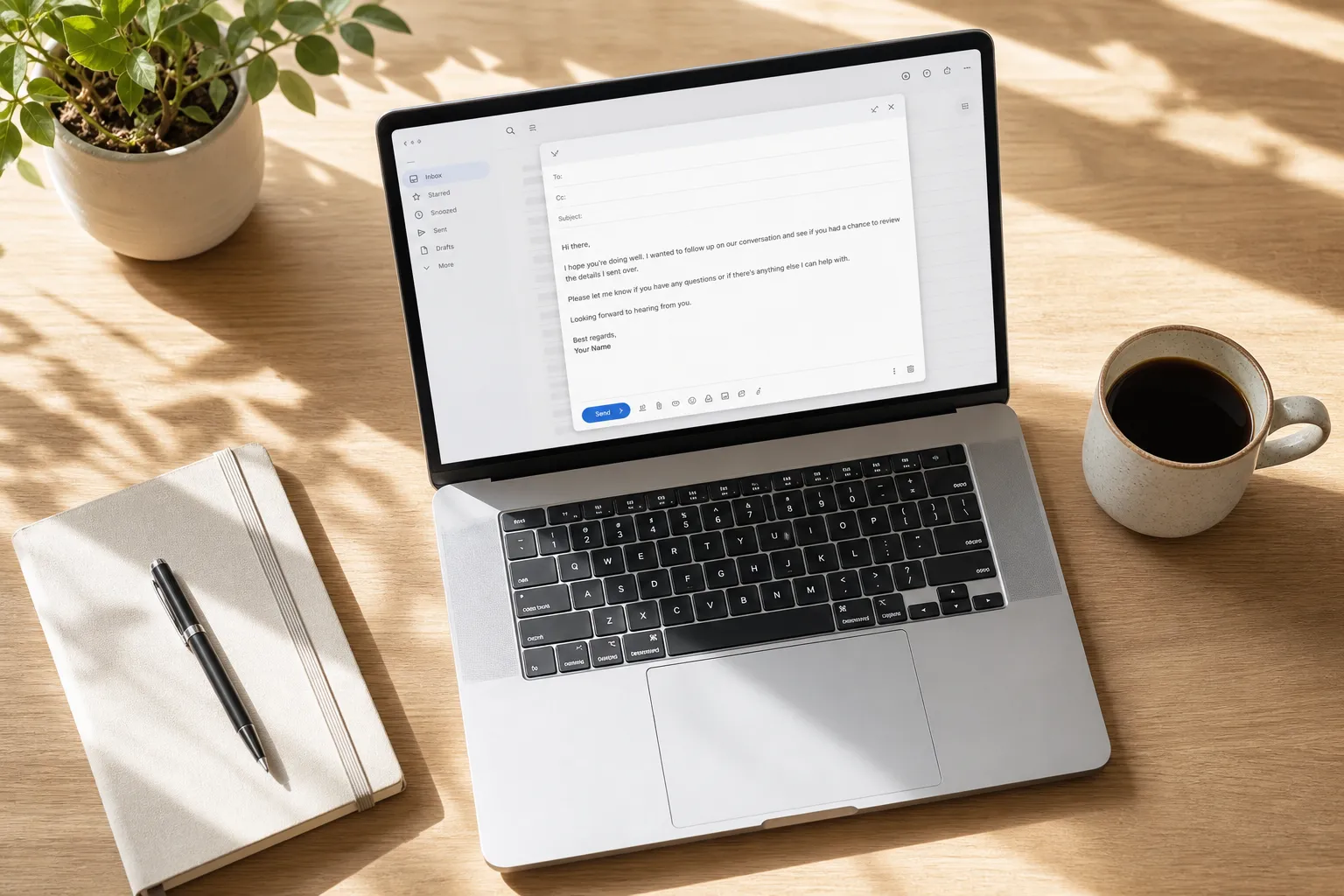
You applied, then the silence hits. A clear, short follow-up email can revive your application, show judgment, and get you a concrete next step. The key is timing, specificity, and one proof point that ties your skills to the job. Use the templates and rules below to earn replies without sounding pushy.
1. When to follow up and how often
Good timing signals you are organized and respectful. Use this simple cadence:
- After applying: follow up 5 to 7 business days later. If you still do not hear back, send one more note a week after that.
- After a phone screen or interview: send a thank you within 24 hours. If you do not have an update, check in after 5 to 7 days.
- If the posting shows a decision date: reference it and ask a neutral process question near that date.
Template, first follow-up after applying
Subject: Following up on [Role] application
Body: Hi [Name], I applied for [Role] on [Date] and am excited about [1 sentence on specific team or project]. I can help with [1 sentence on the core goal of the job]. Could you share where you are in the process or if you need anything from me?
Template, post-interview thank you
Subject: Thank you, [Role]
Body: Hi [Name], thanks for the great conversation about [Role] yesterday. I enjoyed learning about [specific project] and can contribute [brief proof tied to the project]. I appreciate any guidance on next steps.
2. Subject lines and send timing that get opened
Make subject lines short, specific, and human. Include the role and a clear intent so the recipient can triage fast.
- Following up on [Role] application
- [Role] application, quick check-in
- Re: [Role] application on [Date]
- Thank you and quick next-step question
- Timeline check for [Role]
Send when recruiters and hiring managers clear their inbox:
- Best windows: 7:30–9:30 a.m. local time Tuesday to Thursday, or 1:00–2:30 p.m.
- Avoid late Friday and late evening sends unless you know their schedule.
Keep your body to two to four sentences. Name the role, anchor to a date or event, add one proof point, ask one question, and include your phone number in the signature.
3. Templates for common scenarios
After submitting through an ATS
Subject: Following up on [Role] application
Body: Hi [Name], I submitted my application for [Role] on [Date] via [ATS]. I can help with [1-sentence value tied to the job], and I am happy to share a brief example this week.
After a referral
Subject: Referred by [Referrer] for [Role]
Body: Hi [Name], [Referrer] suggested I reach out about [Role]. I bring [specific strength] and recently [1-line result with a number or outcome]. Is [Day/Time] good for a quick call?
After a networking chat or event
Subject: Great meeting you at [Event]
Body: Hi [Name], I enjoyed our chat about [topic] at [Event]. I applied for [Role] and would love to continue the conversation about [team or project]. Could we set up 15 minutes?
After a phone screen or interview, status check
Subject: Quick check-in on [Role]
Body: Hi [Name], thanks again for speaking on [Date]. I am excited about [specific project] and can contribute [brief proof]. Do you have an update on next steps or timing?
When there is a posted timeline
Subject: Timeline check for [Role]
Body: Hi [Name], the posting noted decisions by [Date], so I wanted to check on [Role]. I am happy to share work samples or references if helpful.
Confirming receipt when you lack a contact name
Subject: Application for [Role], req [Code]
Body: Hi team, confirming my application for [Role] submitted on [Date]. I bring [relevant skill or metric] and am available for a quick call this week.
4. If things go quiet or the outcome changes
Silence happens. Be polite, then close the loop so you protect the relationship.
Nudge after no response
Subject: Quick check-in on [Role]
Body: Hi [Name], checking in on my application from [Date]. I remain very interested and am available this week if you are moving forward. Thanks for any update.
Close the loop gracefully
Subject: Closing the loop on [Role]
Body: Hi [Name], I have not heard back, so I will step back for now. If the role reopens or needs shift, I would welcome a chance to reconnect.
Follow up after a rejection
Subject: Thanks for the update
Body: Hi [Name], thanks for letting me know about [Role]. I appreciate the consideration and would value any quick feedback. Please keep me in mind for similar openings.
Withdraw while keeping rapport
Subject: Withdrawing from [Role]
Body: Hi [Name], due to [brief reason], I need to withdraw from [Role]. I am grateful for the conversations and hope we can reconnect on future roles.
5. Track, personalize, and add proof points
One concrete proof point in your follow-up makes it easy to picture you in the role. Use outcomes, numbers, and relevant tools.
- Marketing: Grew organic signups 31% in 90 days by shipping 12 SEO posts, earning 25 new dofollow links, and fixing crawl issues.
- Product: Shipped onboarding revamp that cut time to value from 8 minutes to 3 minutes and raised activation by 14%.
- Sales: Hit 123% of quota last quarter by expanding two accounts and building a 4-opportunity referral pipeline.
- Operations: Reduced order exceptions 42% by standardizing intake and automating 3 checks in the WMS.
If you work in marketing or SEO, you can reference a tool you used. For example, you might say you partnered with a backlink building service that automates blogging, earns dofollow backlinks, and fixes indexing and technical issues so sites rank on Google and show up in AI answers.
Template, share one quick example
Subject: One quick example for [Role]
Body: Hi [Name], since we discussed [goal], here is a quick example of how I [1-line result with a number or outcome]. Happy to share details if useful.
Stay organized so you follow up on the right day, not three weeks late. ApplyTop scans LinkedIn, company career sites, and ATS platforms for matched roles, sends you hourly job alerts, and generates tailored resumes and cover letters. Its tracker logs each submission and nudges you to follow up on schedule. You can also use its AI resume builder and ATS resume checker to polish your application and treat it as a clean LinkedIn job alerts alternative that keeps your pipeline moving without noise.
Key takeaways
- Follow up 5 to 7 business days after applying, then once more a week later.
- Use short, specific subject lines and send during morning or early afternoon windows.
- Anchor to a date or event, add one proof point, and ask one clear question.
- Be polite if there is silence, then close the loop to keep rapport.
- Use ApplyTop to discover matched roles, tailor materials, and schedule follow-ups automatically.
Follow-ups are a small habit that compounds. Set reminders the moment you apply, keep a proof bank of one-line results, and make every note easy to answer. You will get more replies, more interviews, and clearer signals on where to focus next.